School calendars mix holidays, early dismissals, meetings, and dates for different grades. SnapToCal on Android helps turn a school PDF, photo, or screenshot into editable calendar events. Select the dates that apply to your family, review the details, and save them to a writable Google Calendar on your phone.
PDF uploads require Pro. Check current plans in the app.
From the source to your review
A school calendar that crosses into a new year
Fictional example · a 2026–2027 school calendar
- November 18, 2026 · Parent meeting · 6–7 PM
- Use a timed event and confirm the room or meeting location.
- December 21, 2026–January 1, 2027 · Winter break
- Check both years and every intended closure date. Verify the inclusive last day rather than assuming how the range was interpreted.
- January 15, 2027 · Early dismissal · 12:30 PM
- Preserve the dismissal time and label it clearly. Do not turn it into a full-day school closure.
A school year is not a single calendar year. Compare December and January entries carefully and leave dates for other grades unselected.
Your schedule and detected details will vary. Compare each event with your original source.
How to add the schedule
Choose the current school calendar
Download the original PDF or save a readable photo or screenshot. Include the academic year, legend, and any notes that distinguish schools, grades, or programs. A revision date can help you avoid using an old copy.
Open the document in SnapToCal
Use the photo or screenshot picker, or choose the PDF with Pro. Keep the source available while the app prepares the event review. A calendar with only colored squares needs its legend to be understandable.
Select the dates your family needs
Review closures, early dismissals, meetings, and activity dates separately. Confirm all-day versus timed entries, dates across the new year, and locations. Deselect dates that only apply to other grades or schools.
Save and check the calendar result
Choose a writable Google Calendar on your phone and add the selected events. Open Google Calendar to check a meeting, an early dismissal, and the last day of a break. Confirm sharing separately if another parent needs to see the events.
See the app's event review screen
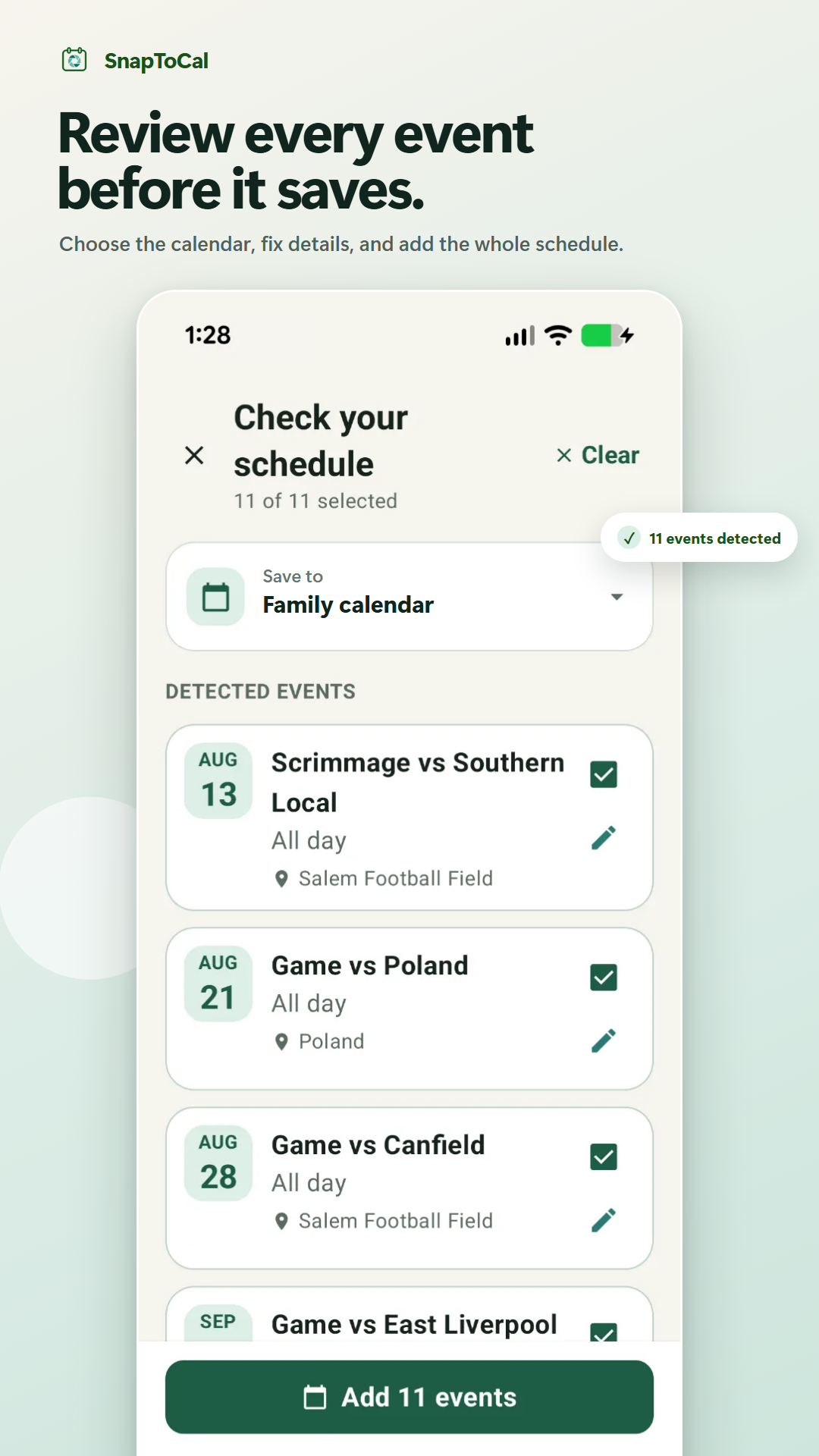
Details to check before saving
A colored box needs a legend
A shaded date might mean a teacher workday, no school, or an early dismissal. Include the source legend and confirm the meaning before accepting an event title.
Closures and parent meetings are different
An all-day closure helps you plan childcare; a 6 PM meeting needs an actual start time. Check that both remain clear in the review list.
Revised calendars and weather closures
A one-time import does not monitor the school's website or messages. Keep following official updates and review changes to already saved events before importing another full calendar.
Common questions
Should I subscribe to the school's calendar instead?
If the school maintains an official feed and it contains the dates you need, a subscription may be more useful for ongoing updates. SnapToCal is useful when the source you received is a PDF or image that needs to become reviewed events.
Can I combine calendars for two schools?
Review each school's document separately. Choose the appropriate writable destination for each import and make event titles clear enough to identify the school. Check overlapping closure dates before adding both copies.
Can I import a school calendar on iPhone?
This walkthrough is for SnapToCal on Android. The iPhone app is in development. An official school calendar feed may offer its own instructions for Apple Calendar.
Does Google Calendar accept a school PDF directly?
Google's documented file-import workflow uses ICS or CSV on a computer. With SnapToCal Pro on Android, you review events extracted from the PDF and save them to an available writable calendar.
For a calendar file supplied by your school, see Google Calendar's import instructions.
See SnapToCal support for help and the privacy policy for how schedule content is processed.
Ready to review your schedule?
Get SnapToCal for Android. Check the app for current plans and scan limits; PDF uploads require Pro.
Get SnapToCal on Google Play